Create an asset
Beginner
Assets can be created with Game Studio using the Asset view panel.
Create an asset
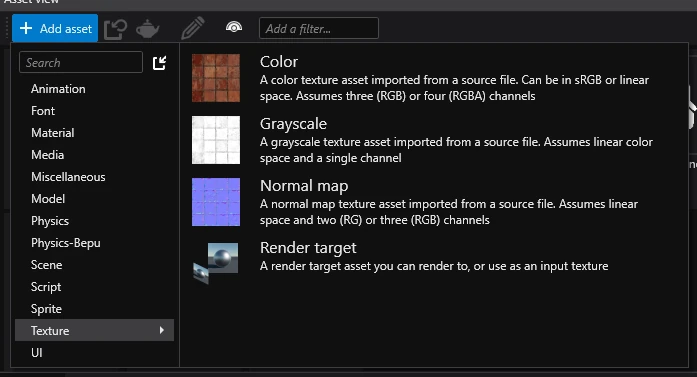
To create an asset, click the ➕ Add asset button in the Asset view and select the type of asset you want to create.
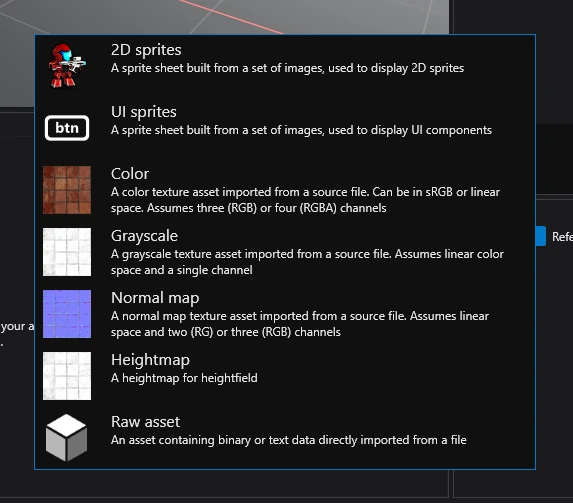
Create an asset from resource
To create an asset from a resource, simply drag and drop it into the Asset view and select the type of asset you want to create.
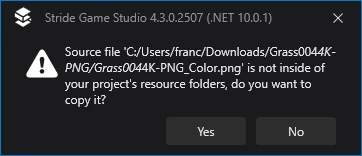
If the resource isn't present in the resources folder, Game Studio will ask you if you want to move it there. In the majority of cases, you will want to click yes.
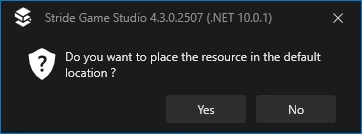
Finally, you will be asked if you want to move it to the default location. Again, most of the time you will want to do this, unless you need more control over where resources end up.