Edit an asset
Beginner
Most assets are just a simple list of properties, which can be edited in the Property grid. However, more complex assets (such as scenes) require the use of a dedicated editor.
Editing in Property grid
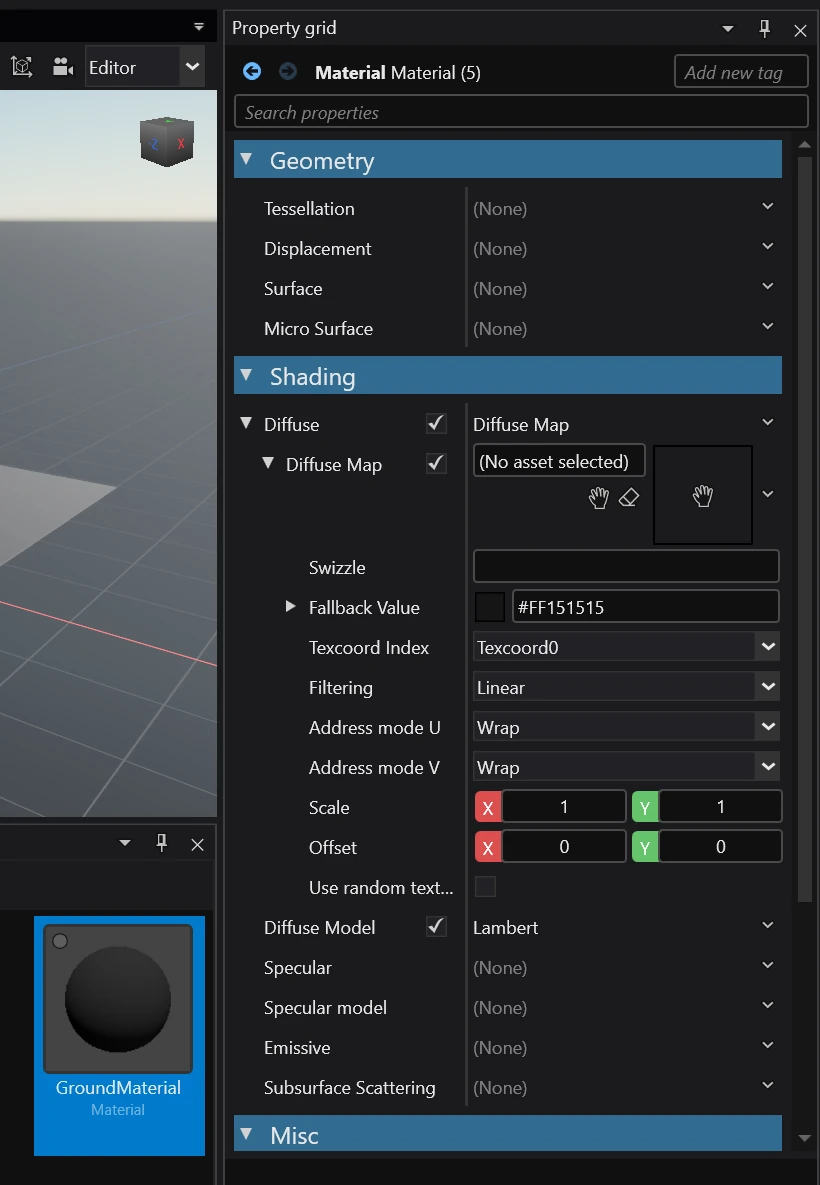
When you select an asset in the Asset view, it's properties will show up in the Property grid.
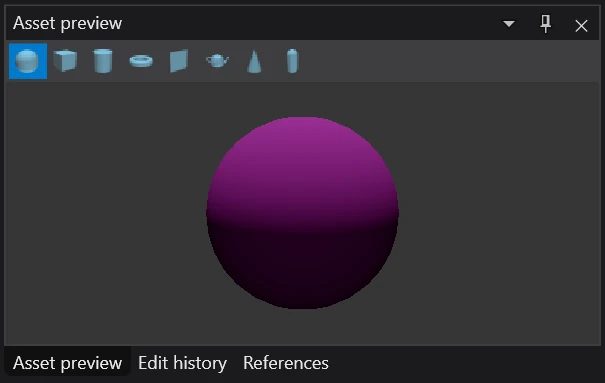
Your changes will be reflected in the Asset preview in real time.
Note
Modified assets aren't automatically saved. You will have to save them manually by going to File > Save or by pressing Ctrl + S.
Editing using a dedicated editor
Certain assets require the use of a dedicated editor. The most prominent example of this are Scenes.
Currently, the assets that have a dedicated editor include:
- Graphics compositor
- Prefabs
- Scenes
- Sprite sheets
- Ui pages
- Ui libraries
- Scripts
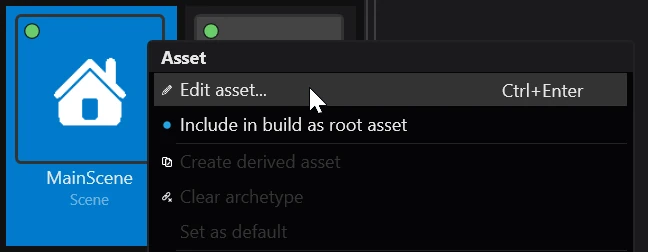
To open a dedicated editor for an asset either double click it, right click and select 🖉 Edit asset or select it and press Ctrl + Enter.