Archetypes
Intermediate
Stride allows you to create variants of the same asset that only change a selected number of properties, while remaining synchronized with the base.
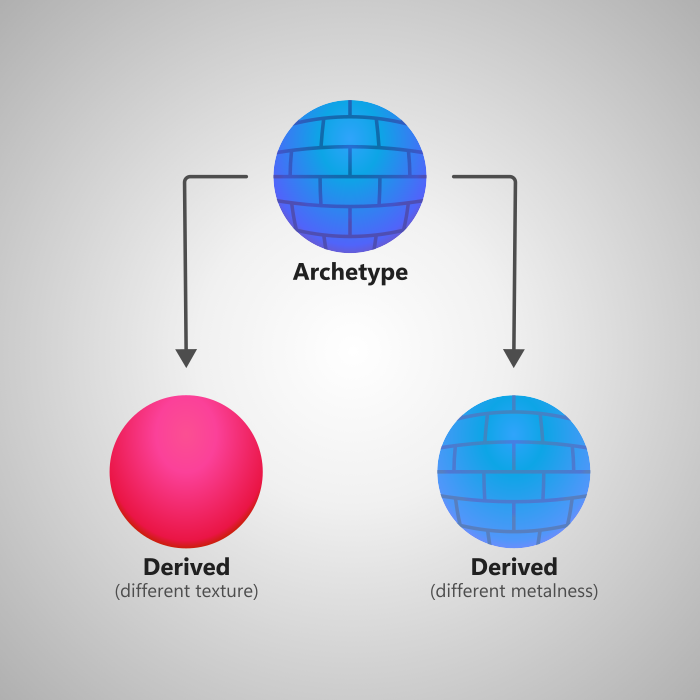
Here is some terminology to keep in mind:
- Archetype - the original asset.
- Derived asset - an asset that derives from an archetype.
Creating a derived asset
In the Asset view, right click on the asset you want to derive from and select Create derived asset.
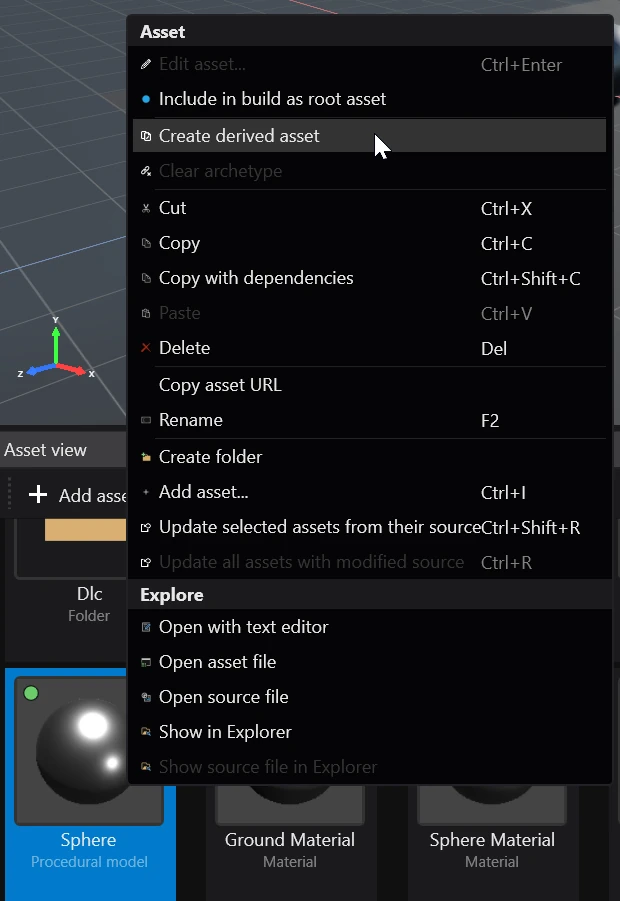
Game Studio then creates a new derived asset which you can modify.
Overriding values
When changing a property of a derived asset in the Property grid, it will be marked as overridden. Overridden properties are slightly brighter and bolder.
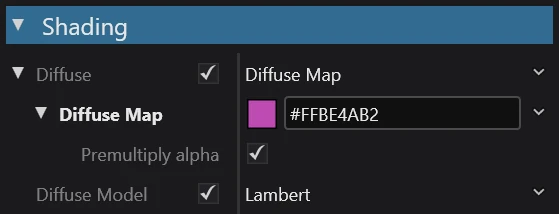
Overridden properties will remain unchanged when corresponding properties on the archetype get modified. This means that their values are independent and cannot be influenced by changes done to the archetype.
Reverting overrides
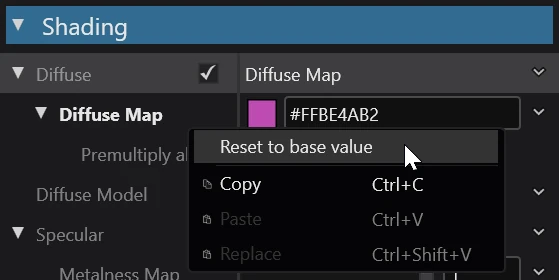
Reverting a property override will cause it to again use the same value as the archetype. To do that, right click on the property in the Property grid and select Reset to base value.
Unlink from archetype
If you want to turn a derived asset into a normal one (unlinking it from the archetype), in the Asset view right click on it and select Clear archetype.
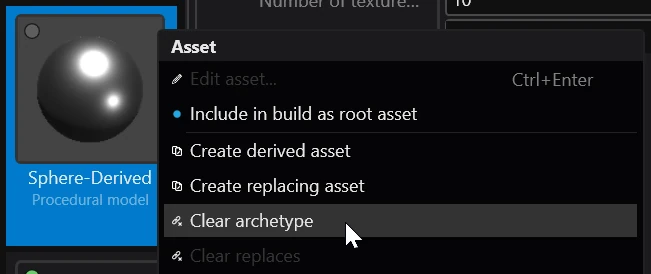
Now, the asset will no longer follow changes done to the archetype.